 NovaVPS
buy vps with usdt trc20 no kyc
Pay a no-KYC VPS with USDT TRC-20: pick Tron USDT, send the exact invoice, SSH after confirm. Open checkout.
长文正文为英文。页头、目录与结账已翻译。
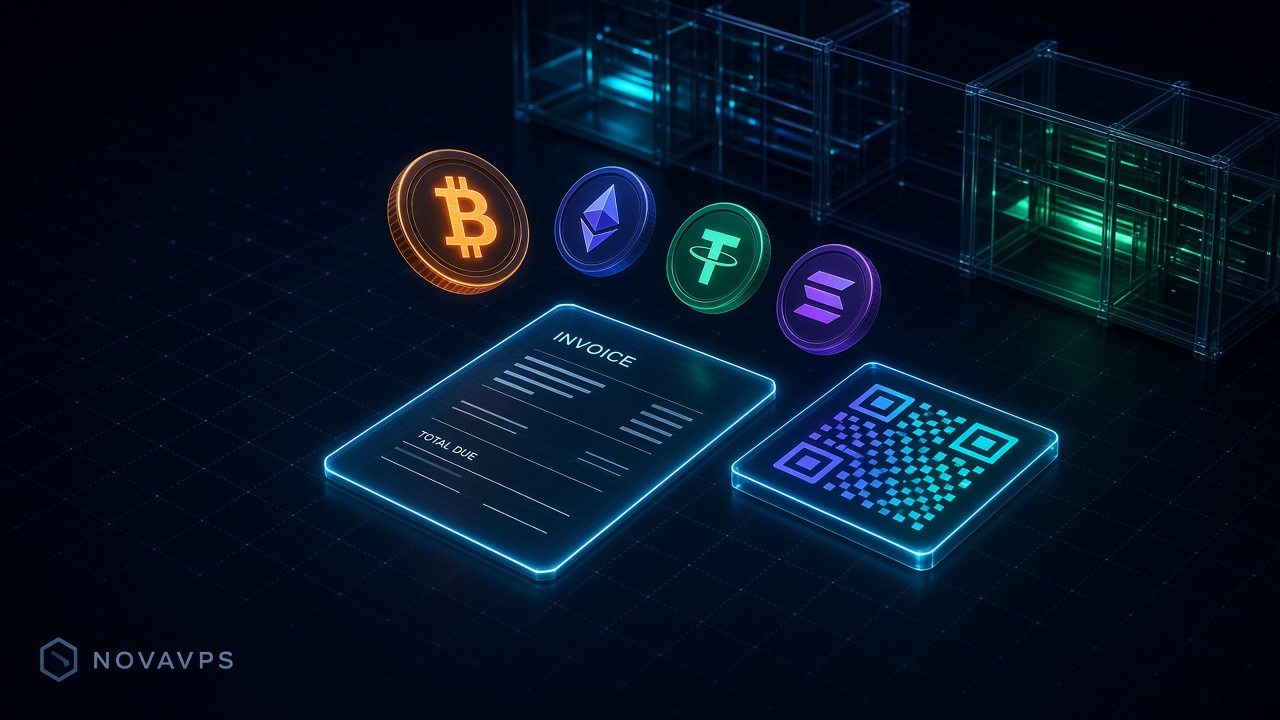
Three steps on TRC-20
USDT TRC-20 is the Tron rail on the same invoice page as Bitcoin and ERC-20 USDT. Pick the network named USDT (TRC-20), send once, wait for the watcher. No passport. Do not send ERC-20 USDT to a TRC-20 address.
- Select USDT (TRC-20) on the invoice (not ERC-20, BEP-20, or Solana).
- Wait for the confirmation depth on the invoice. Catalog ETA for USDT-TRC20 is 1–3 min (19 blocks).
- When the invoice is paid, VPS SSH is typically about a minute. Dedicated is still 2–4 hours.
VPS from $5.49/mo. Token-only or email + password, then a crypto invoice.
Launch nowFees: TRC-20 vs ERC-20
Network fees on TRC-20 are typically cents; ERC-20 USDT rides Ethereum gas and is usually much more expensive for the same dollar amount. We do not publish live gas tables. Match the network printed on the invoice. Never mix chains on one payment.
Checkout recap
Plan, term, location, OS, email or token, password, then the payment page. Choose USDT (TRC-20), send the exact amount in one transfer. The locked invoice amount is authoritative. For the full coin list, rate lock, and underpay rules, read the crypto payment flow. Other USDT nets are covered in buy a VPS with USDT. Then open checkout.
Is there KYC on USDT TRC-20?
No. Email or token plus a password; we do not collect a passport or card.
How long does TRC-20 take to credit?
Catalog ETA is 1–3 minutes at 19 blocks. Credit follows the confirmation depth printed on the invoice, not a stopwatch.
Can I send ERC-20 USDT to a TRC-20 invoice?
No. Wrong network is a loss. Create a new invoice on the network you actually hold.
Ready to launch?
Configure a VPS or dedicated server, set a password, then pay the invoice.
Network
Edge RTT
Uptime · 36h
Complaints · 36h